Every firm that handles regulated complaints already has something: a case module in its customer relationship management system, a dedicated complaint-management product, or a workflow its own engineers built. The question when AI arrives is rarely a clean choice. It is whether to buy a new platform, extend what you have, or build. This post compares the paths honestly, including the cases where building or extending is right, and sets out the properties to insist on whichever one you choose.
In short
- Three paths. Buy a complaint-handling platform; extend your CRM or existing complaint tool with AI features; or build on your own data platform.
- The deciding questions are about evidence, not features. Can you show why each contact was or wasn’t a complaint, how each redress was calculated, and who decided each close?
- Building is right more often than vendors admit, when you have the engineering capacity, the data in one place and a long-term owner. It is wrong when the owner is a project.
- Whatever you choose, insist on quoted evidence, deterministic arithmetic, policy as configuration, people who decide, and a decision record.
The three paths
| Buy a platform | Extend what you have | Build your own | |
|---|---|---|---|
| Typical shape | A product for complaint handling with its own case model, controls and reporting | AI features added to a CRM case module or an existing complaint tool | Services on your data platform, with your own case model and UI |
| Time to first cases | Shortest, if the source connections are straightforward | Short for drafting features; longer for controls | Longest |
| Fit to your policy | Depends on how much is configuration | Depends on how the existing tool models complaints | Exact, if you build it |
| Evidence and record | Built in, if the product was designed for it | Often the weakest point: AI output alongside, not inside, the record | Whatever you build and maintain |
| Who owns change | The vendor’s roadmap plus your configuration | Two roadmaps: the tool’s and the AI add-on’s | Your team, indefinitely |
| Main risk | Lock-in and fit | AI that drafts but cannot show its working | Underestimating the run cost and the controls |
When buying is right
Buying makes sense when the complaint process is close to industry practice, when time matters, and when the product treats the hard parts as first-class: the complaint definition, the clock, vulnerability, redress, final response letters, root-cause analysis and QA. The test is not whether a demo looks good. It is whether, for a case you choose, the product can show you why it decided a contact was a complaint, which policy values it used for the deadline and the redress, and which person did each consequential thing.
Ask also where the product runs and what it reads. A product that reads your systems in place and keeps its own work in its own schema is easier to govern and to leave than one that needs a copy of your customer data in someone else’s cloud.
When extending is right
If your CRM or complaint tool already holds the case, the contacts and the outcomes, and your handlers know it well, adding AI features to it can be the least disruptive path. Drafting a reply or summarising a long thread are natural extensions.
The difficulty comes with the steps that must be explainable. A drafting feature that writes a plausible acknowledgement is easy to add. A classifier that quotes the sentence that made a contact a complaint, a calculator whose redress a reviewer can recompute, controls that block or refer a close, and a record of who accepted what an agent prepared are harder to bolt on. Check whether the extension puts its output inside your case record, or only next to it.
A rough decision path. The first strong answer usually settles it.
When building is right
Building is right when the firm has engineers who will own the system for years, its customer, account, fee, policy and claims data already sits on one platform, and its process genuinely differs from common practice. It is wrong when the owner is a project team that will disband, because the system you build becomes a regulated control the day it goes live.
What building really includes
A case model; ingestion from every contact channel; a classifier you can explain and tune; a clock driven by configuration; research over accounts and fees; a redress calculator someone can audit; letter drafting with citations and approved wording; controls that block or refer a close; four-eyes approval; root-cause clustering; QA sampling; role-based access; a decision record; and, if you use agents, autonomy levels, a record of every prepared decision and a way for people to answer it. Then you run it.
The questions that decide
If nobody can be named, building is out.
Contacts, customers, accounts, fees, policies, claims and prior complaints. Read in place, copied, or not reachable?
If your complaint handling follows common practice, configuration should cover it.
Pick five closed complaints and ask each option to reproduce why each was a complaint, the deadlines, the redress and who decided.
Where the work is stored, in what format, and what happens to the record.
Properties to insist on, whichever path
Summaries and drafts appear next to the case. Nobody can say which sentence the classification rested on, how the redress was calculated, or who accepted the draft.
Every finding quotes the customer’s words or the firm’s record; arithmetic is code; policy values are configuration; each prepared decision is accepted, rejected or questioned by a named person.
| Property | Why it matters | How to test it |
|---|---|---|
| Quoted evidence | A complaint, a vulnerability indicator or a fee in question can be checked in seconds | Ask for the sentence behind a classification |
| Deterministic arithmetic | Redress and deadlines must be the same for every handler, and recomputable | Recompute a redress by hand |
| Policy as configuration | Deadlines, rates and thresholds change; they should not need a release | Ask to change the approval threshold |
| People decide | Accountability stays with named individuals | Try to have the AI send a letter or close a case |
| Controls you can read | Compliance must see what blocks or refers a close | Ask for the list of close controls in plain language |
| A decision record | What the firm knew and who decided, at the time | Open the record of a closed case |
Where InsightService fits
InsightService is a product you buy and run in your own cloud account: a Python (FastAPI) API, a
React app and PostgreSQL. It reads the firm’s systems from a source schema
(SERVICE_SOURCE_SCHEMA) and keeps its own cases, replies, remediations and decisions in
its own schema. It can sit beside an existing CRM: the CRM stays the system customers’ records
live in, and InsightService does the complaint handling on top.
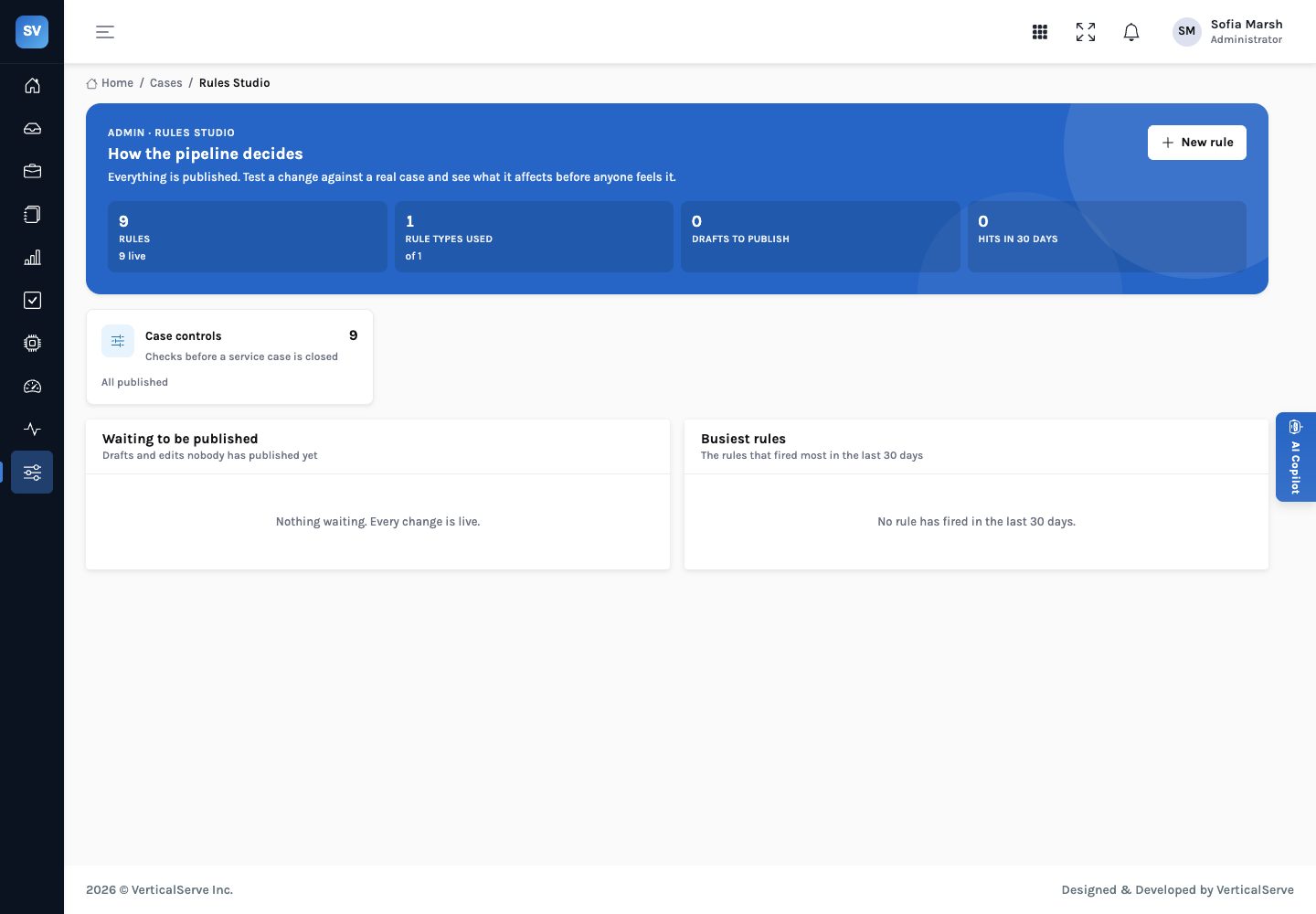
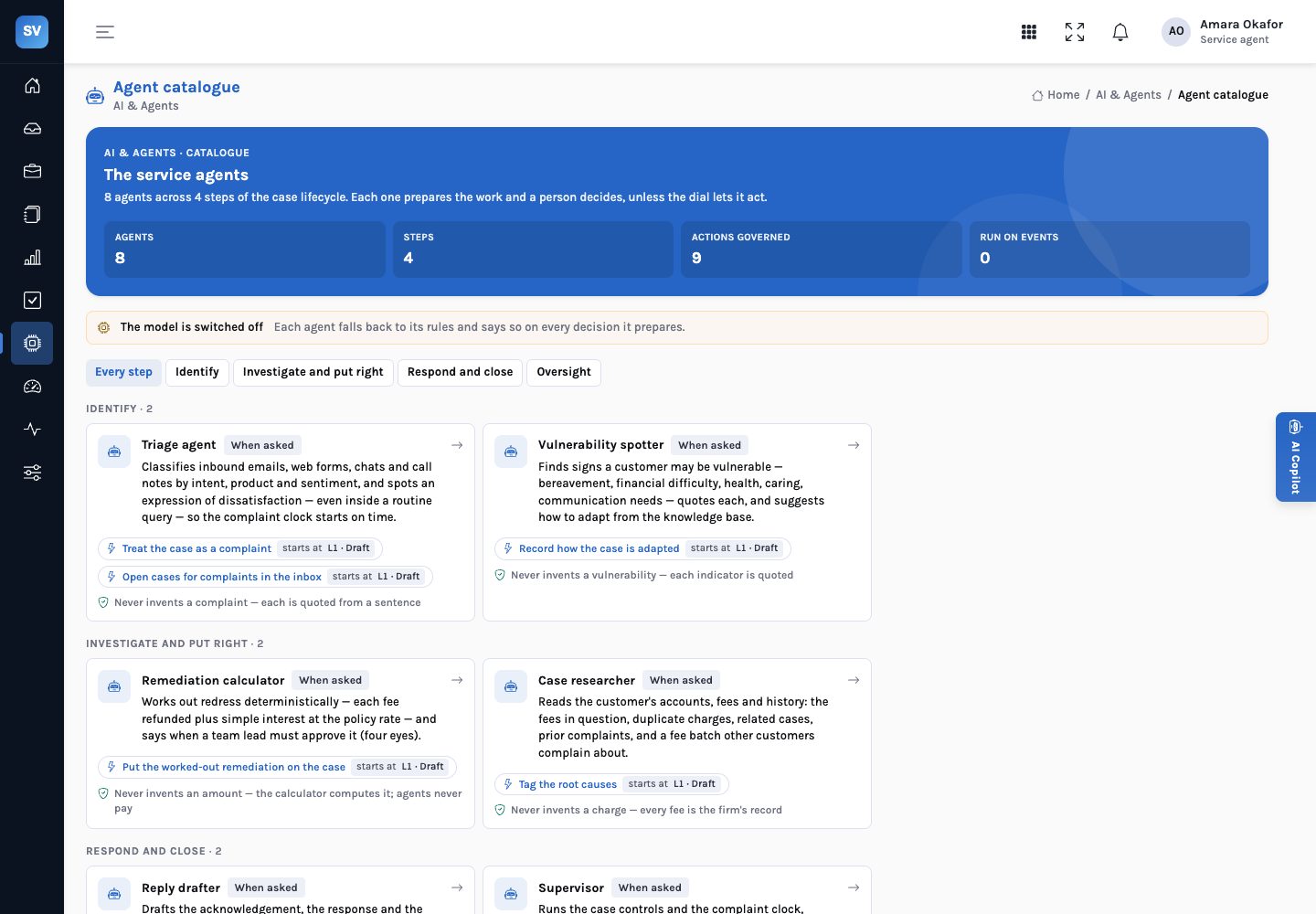
Its case controls are rules in Rules Studio that compliance can read, test and publish; the deadlines, redress rate, approval threshold, QA sampling rate and systemic threshold are environment settings, all labelled as illustrative in the demo. Eight agents prepare; every consequential step is a person’s.
Running beside a CRM
The three paths are less exclusive than they look. A common pattern is to keep the CRM as the place customer records and contact history live, and to run complaint handling in a separate product that reads them. The CRM team keeps its roadmap; the complaints function gets a case model built around the clock, redress and the decision record. The cost is a second screen for handlers who also work the CRM, and a clear rule about which system holds the complaint record of truth.
Reads in place, keeps its own work separately, and leaves every consequential step to a person.
Whichever arrangement you choose, decide early how outcomes and redress flow back to where the firm’s complaint reporting is produced. InsightService does not pay redress or write to the firm’s systems; the refund is made in the firm’s payment system, and the decision record says what was approved and by whom.
What it means for each audience
For the head of complaints
Whichever path, insist on the five properties and test them on your own closed complaints. A product, an extension or a build that cannot show its evidence will not survive a file review.
For the service operations lead
The path that fits your handlers’ day is the one that keeps the case in one place. Test how many screens a handler touches for one complaint, on each option.
For the board
The real decision is ownership. Buying buys a roadmap; building commits a team. Extending can do either, depending on the tool.
Choose the path that lets you show your working.
Features converge. What separates the options is whether, for any complaint, you can show why it was a complaint, how the redress was worked out, and who decided.